AI PDF Detector
Detect AI-generated content in PDFs or text using our powerful AI detector. Scan essays, papers, and documents with ease,
making it perfect for educators, professionals, and anyone who needs to check for AI-written content instantly.
 Protect Your Data and Privacy
Identify AI-Written Content Instantly
Keep Your Writing Authentic and 100% Human-Written
Protect Your Data and Privacy
Identify AI-Written Content Instantly
Keep Your Writing Authentic and 100% Human-Written
 Free Download
Free AI Detector Online vs Offline
How to detect AI-generated content online?
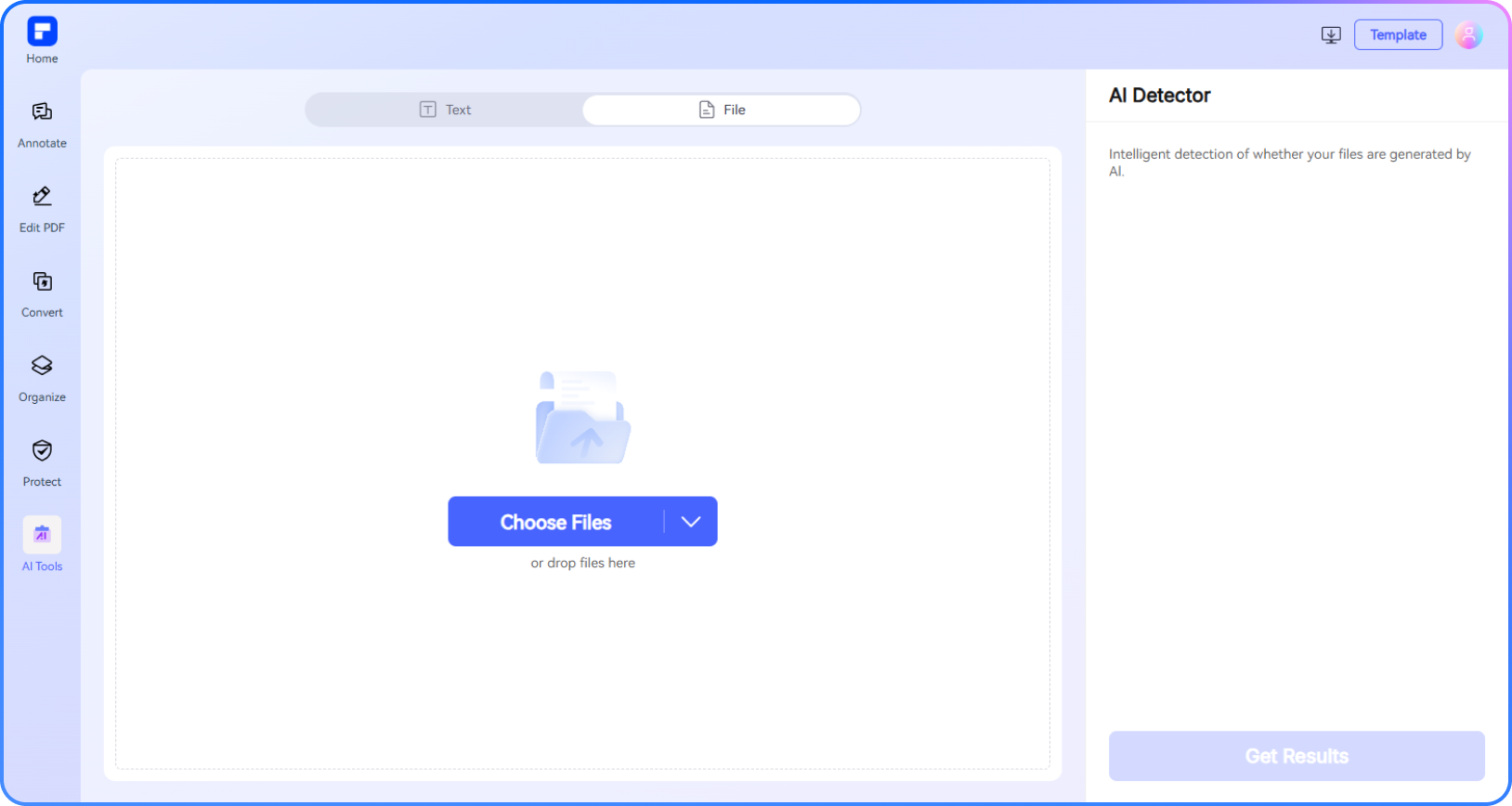
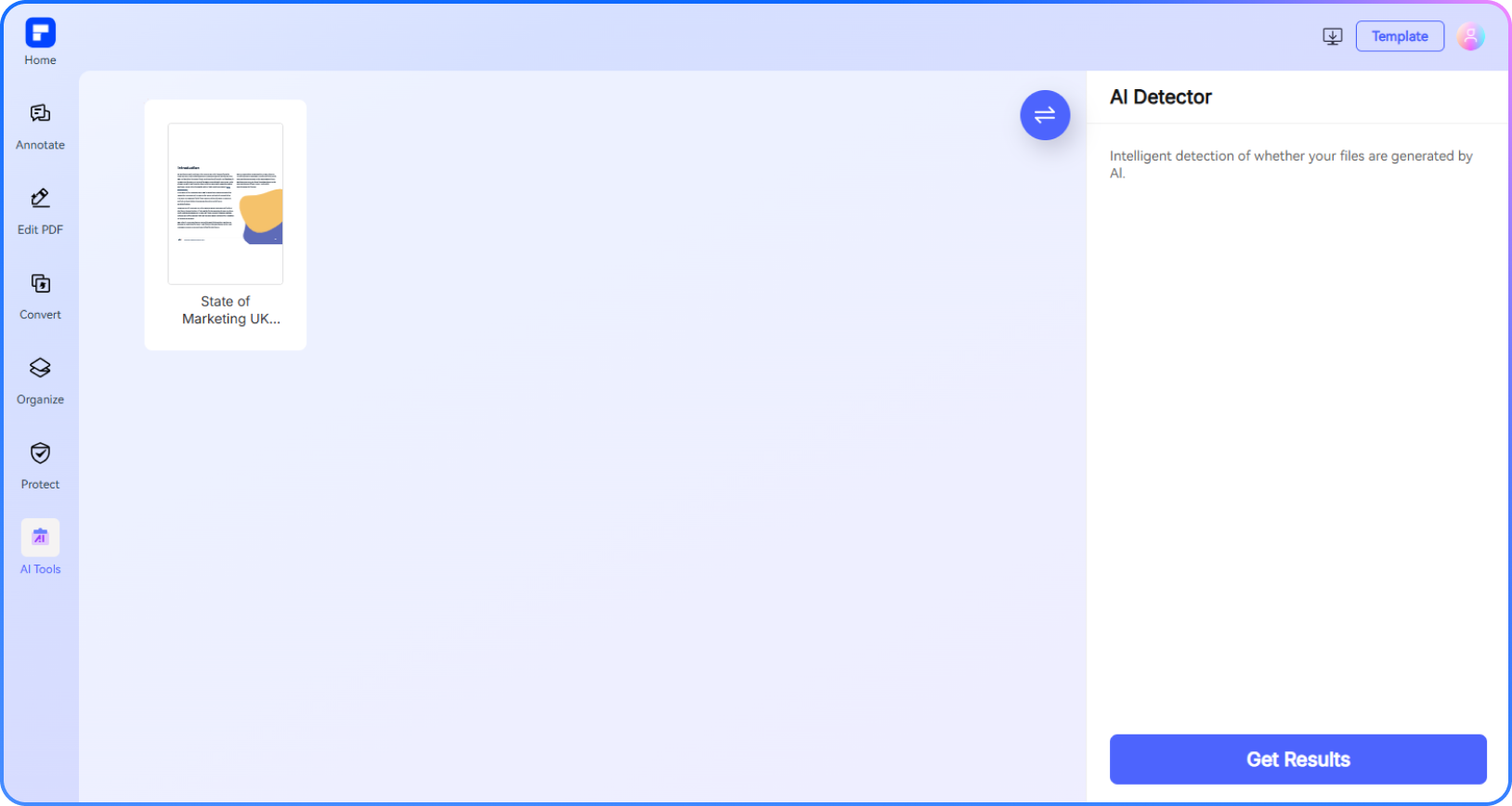
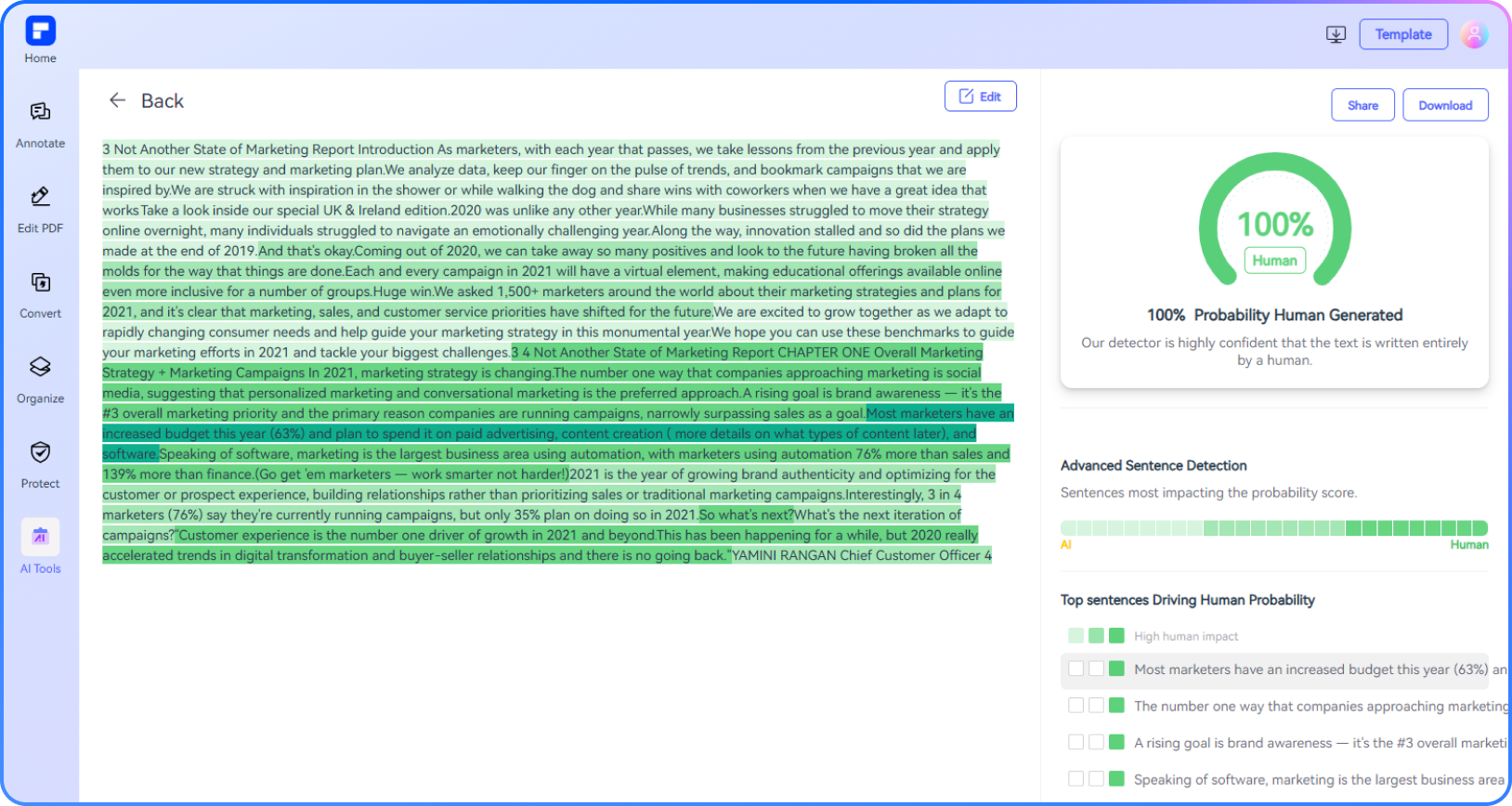
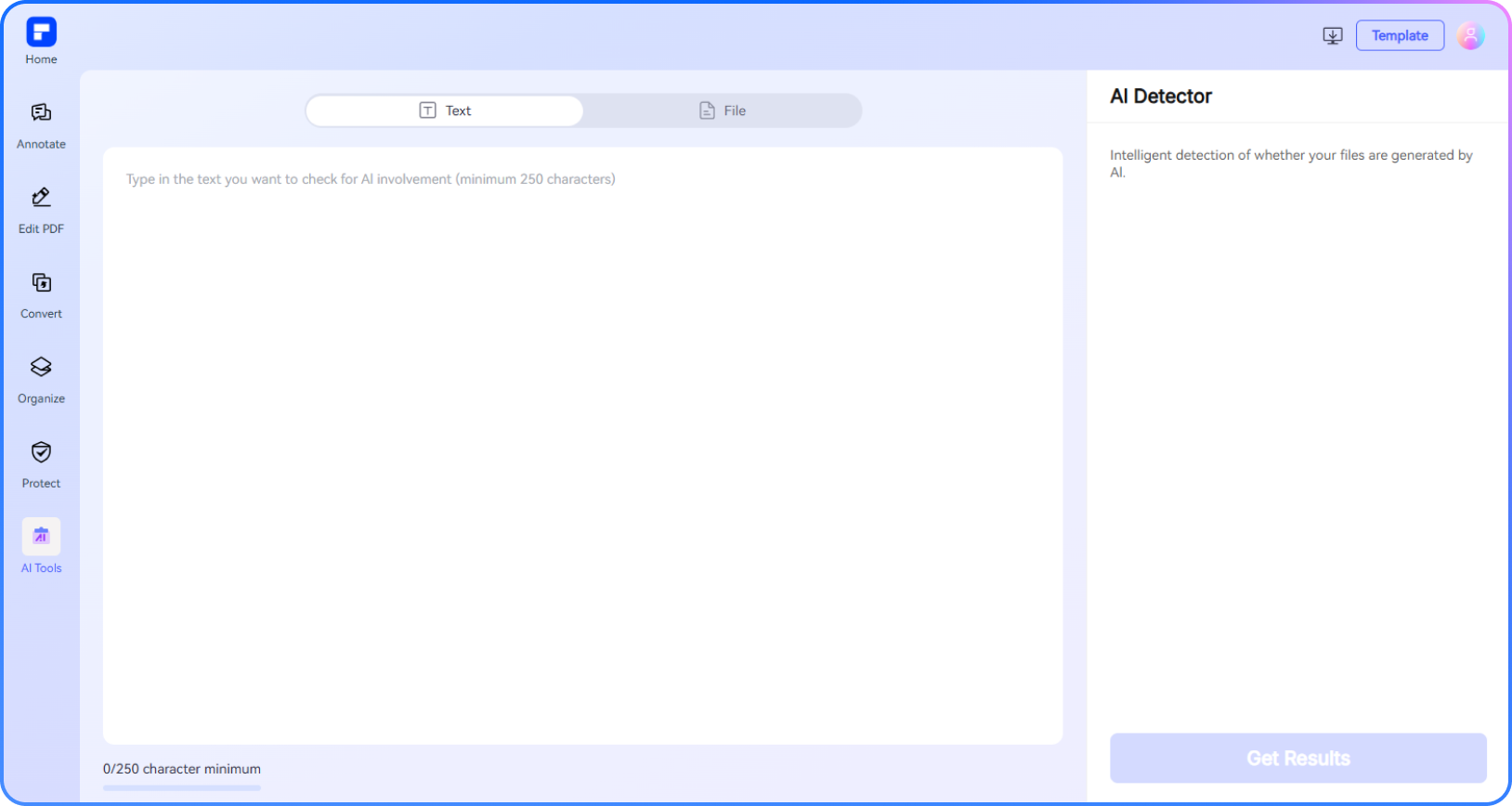
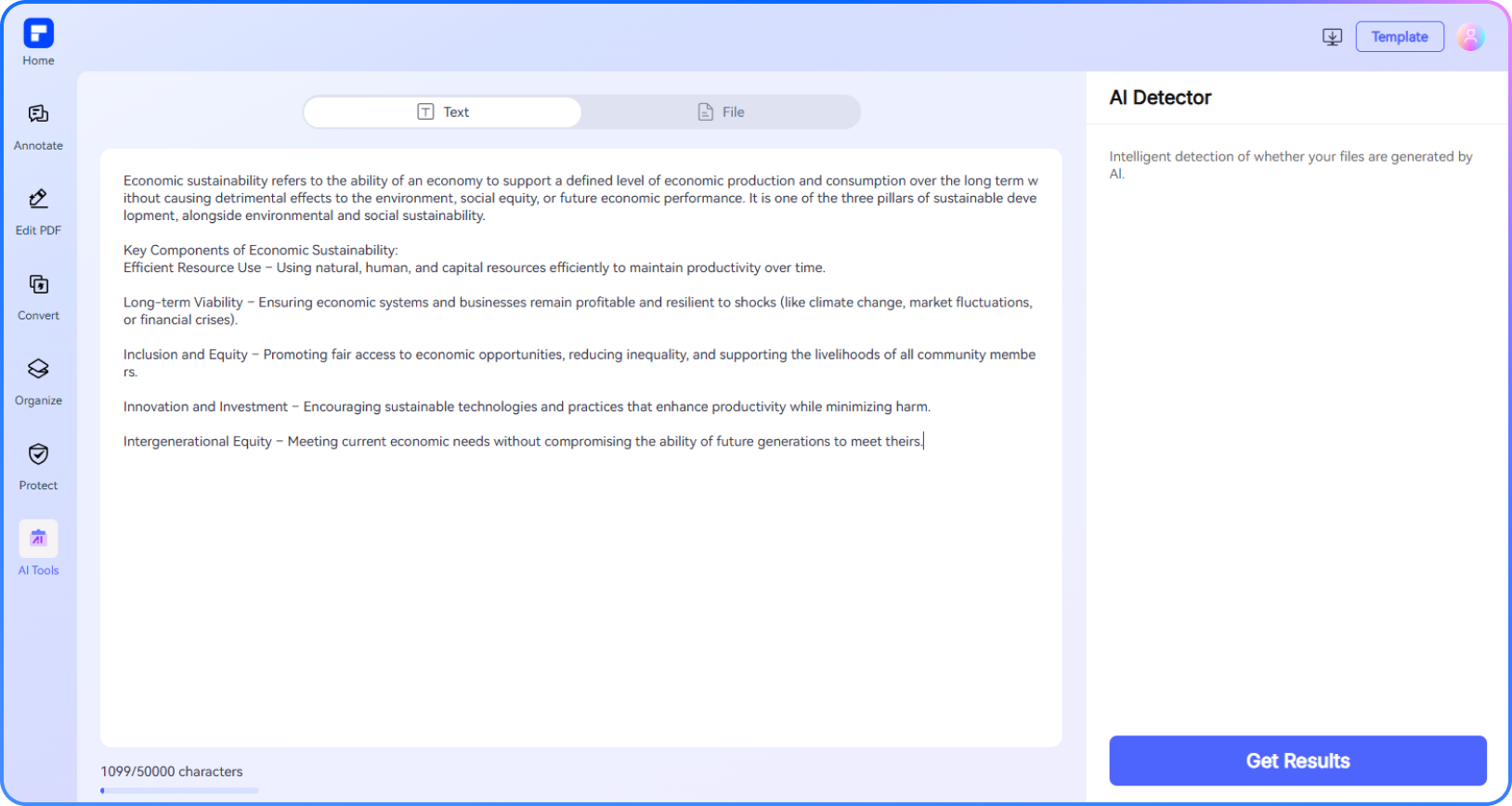
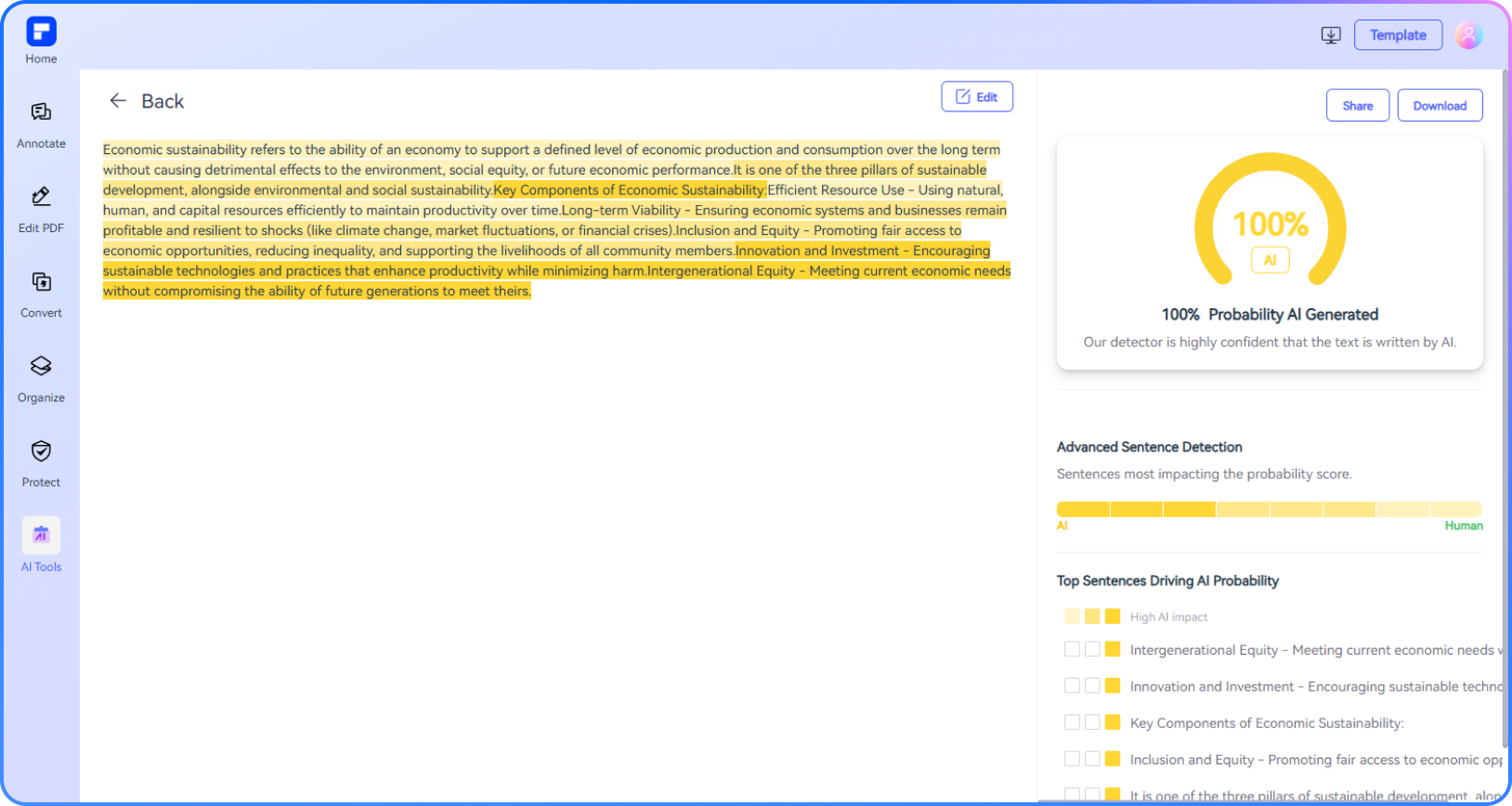
Discover the power of PDFelement AI PDF Detector.
AI-Highlighted Sentences
Sentences likely written by AI are clearly highlighted, each with a visual gauge showing the estimated AI percentage.
Free Online PDF Checker
Scan PDF content directly in your browser—free and with no installation needed.
Advanced Detection Accuracy
Powered by GPTZero, PDFelement AI Detector delivers precise results with detailed perplexity and burstiness scores.
Instant PDF Reports
Automatically generate downloadable PDF reports to verify AI-free and plagiarism-free content.
Multilingual Detection
Detect AI-generated content in multiple languages, including English, French, German, and more.
Beyond AI Detection
Chat with your PDFs, summarize documents, rewrite content, and analyze for AI—all in one place.
AI Text Checker perfect for every project.

Secure, Compliant, and Professional PDF Software - Award - Winning.
PDFelement shines in G2 Winter 2026 as a Leader, Momentum Leader, and High Performer for Enterprise - adding to its 2024 G2 Best Software Award - Top 50 Office Products, ISO 27001 - Information Security Management certification, and PDF Association membership.







FAQs about AI PDF Detector.
-
What is GPTzero?
GPTZero is a leading AI detector and AI content detector designed to identify whether text has been generated by artificial intelligence models such as ChatGPT, GPT-4, Google Gemini, Claude, and LLaMA. Developed by Edward Tian and launched in January 2023, GPTZero has quickly gained traction in the education, publishing, hiring, and legal sectors as a trusted AI checker for detecting AI-written content, particularly in essays, papers, and various documents.
-
What data protection does PDFelement AI Detector have?
PDFelement Online AI Detector employs strong data protection methods to ensure user privacy and document security. The platform utilizes SSL encryption to maintain online safety and adheres to security protocols like GDPR. Additionally, it automatically deletes uploaded files after 7 days once the process is finished, guaranteeing that any documents or information submitted for AI detection are managed securely.
-
Does PDFelement AI Detector support detect Chinese?
Yes, the PDFelement Online AI Detector is compatible with several languages, including Chinese, English, French, German, and more. Simply upload your document or paste the text to verify for AI-generated content.
-
Can AI content be detected?
Yes, AI content can be detected, and detection accuracy has significantly improved in 2026. Modern AI content detectors, such as Detecting-ai.com V2, Copyleaks, PDFelement, Originality AI, GPTZero, and Turnitin, use advanced algorithms trained on massive datasets to identify patterns, sentence structures, and statistical markers typical of AI-generated text.
For users who need to check documents, including PDFs, for AI-generated content, solutions like the PDFelement Online AI Detector provide accessible, secure ways to scan and verify originality, making it easier to maintain content authenticity in education, publishing, and business.
-
Which is the best AI content checker?
Determining the best AI content checker depends on your specific needs, such as accuracy, language support, user interface, and additional features like plagiarism detection. For those seeking a reliable AI content detector for PDFs and other document types, the PDFelement Online AI Detector is a robust option, offering secure, user-friendly AI content checking integrated with PDF workflows.
-
How does an AI content detector work?
An AI content detector works by leveraging machine learning and natural language processing (NLP) to analyze text and determine whether it is AI-generated or human-written. These detectors are typically trained on large datasets containing both human and AI-generated samples, allowing them to recognize subtle differences in writing style, structure, and vocabulary.
-
What is AI detection?
AI detection is the process of using specialized tools-called AI detectors or AI content detectors-to determine whether a piece of content, such as text, images, or videos, was generated by artificial intelligence rather than a human. These detectors are increasingly important in areas like education, publishing, and online content moderation due to the widespread use of AI in content creation.
-
What tools can be used to check for AI content?
A variety of tools can be used to check for AI content, each offering unique features and varying levels of accuracy. Some of the most widely recommended AI content detectors in 2026 include GPTZero, which is popular among educators and researchers for its detailed analysis of writing style and sentence structure. PDFelement Online AI Detector is a robust choice, allowing users to check for AI writing in various file formats while maintaining data security. QuillBot’s AI Detector stands out as a highly accurate free tool, providing a percentage likelihood that text is AI-generated and supporting document uploads, including PDFs. These tools collectively enable users to check for AI content, verify originality, and ensure authenticity across academic, professional, and creative fields.
-
Are there any limitations to PDFelement's online PDF editor?
Yes, there are certain limitations for free users:
Daily Usage Limits:
· Most editing and conversion tools allow 1 free use per day (e.g., Edit PDF, Merge, Split, Compress, Convert, Protect).
AI PDF Tool Limits:
· Chat with PDF, AI Read, AI Proofreader:
①Limited to 10 uses
②Supports PDFs up to 100MB and 260 pages
AI Translator & AI Detector:
· Limited to 10 uses (every 10 pages = 1 use; under 10 pages still counts as 1 use)
· Max file size: 100MB (AI Translator), 10MB (AI Detector)
Note:
· To enjoy unlimited usage, you can upgrade to premium access.
Page/File Size Restrictions:
· PDF files must be under 100MB (except for AI Detector)
· Max file size for OCR: 50MB
· Max 260 pages for AI tools
More tips for AI Detector PDF.
Rate PDFelement Online PDF tools:

4.8
(188,357 Votes)You have to upload and download at least 1 file to rate! We've already perfectly processed 307,292,373 files with a total size of 10,124 TB
Try more PDFelement online PDF tools.



Simplified by AI.
Fast, easy, and affordable PDF editor. Convert, edit, sign PDFs, and more.


