Event Period
The event page will be available from June 16, 2026, 07:00 UTC to July 25, 2026, 23:59 UTC.
Specific activity periods, participation details, winner announcement dates, and prize claim instructions may vary by activity and will be displayed on the event page or in the corresponding activity pop-up.
How to Participate
During the event period, users may participate in the activities displayed on the event page by logging in with their WSID.
If you do not have a WSID account, you will need to log in or register before joining any activity.
Each activity may have its own participation rules, voting rules, scoring rules, winner selection method, and prize details. Please refer to the instructions shown on the corresponding activity page or pop-up before participating.
Group Stage Activity
Users may participate in the Group Stage activity according to the rules displayed on the event page or in the corresponding activity pop-up.
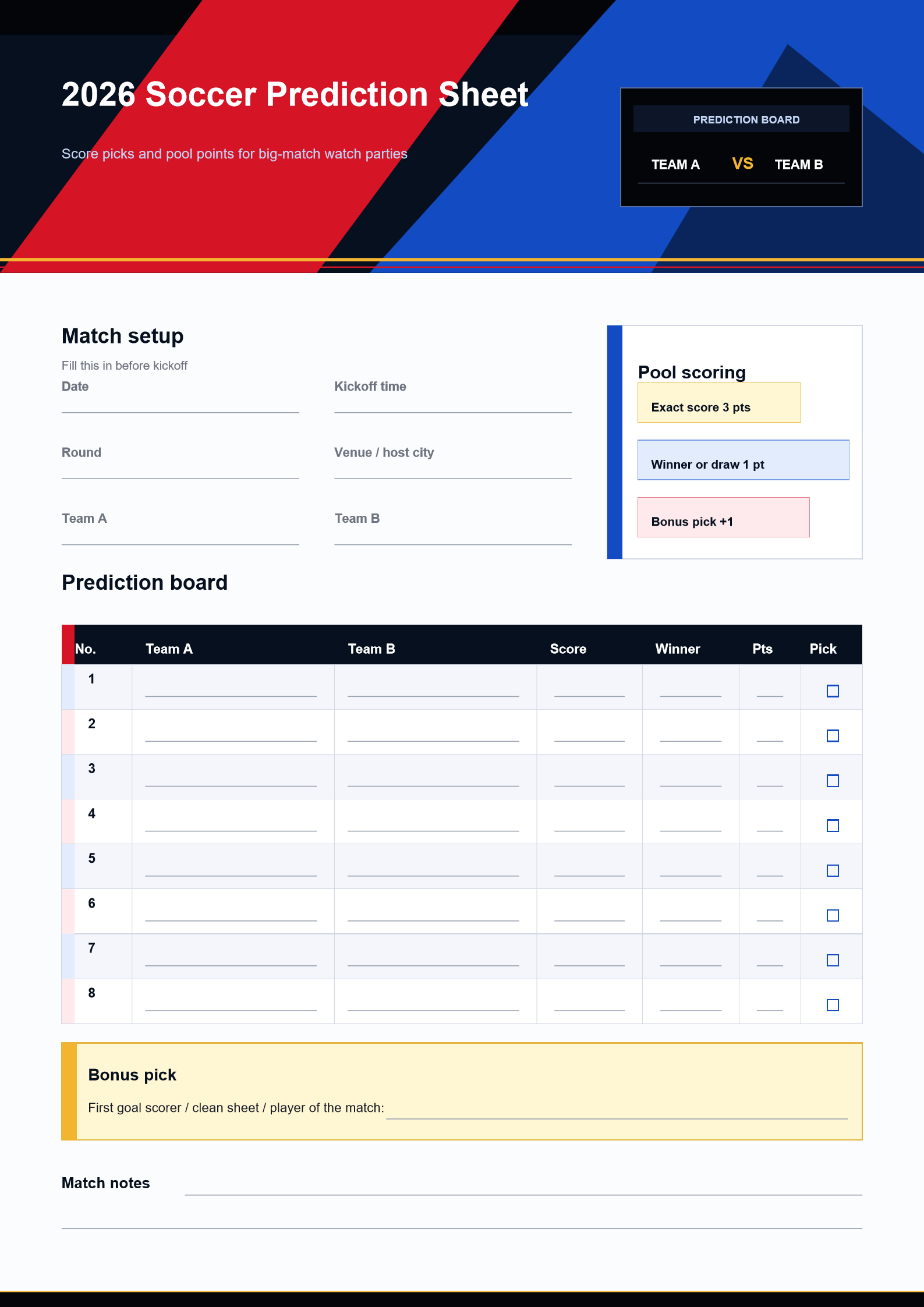
The Group Stage Prediction submission period will be open from June 16, 2026, 07:00 UTC to June 27, 2026, 00:00 UTC.
After the Group Stage activity ends, 10 eligible winners will each receive one quarterly product license of their choice, subject to the Group Stage activity rules.
The Group Stage winner list will be displayed on the event page from June 29, 2026, 07:00 UTC to July 8, 2026, 03:59 UTC. Wondershare will contact the winners by email within 3 working days after the winner list is announced.
Submit before June 23, 2026, 00:00 UTC to get an extra 6 early bird bonus points. If users have the same final score, the earlier submission will rank higher.
Final Stage Voting Activity
During the Final Stage, all users may participate in the voting activity displayed on the event page, regardless of whether they participated in the Group Stage activity.
The Final Stage voting activity will be open from July 8, 2026, 04:00 UTC to July 18, 2026, 21:00 UTC. Voting will close before the final match begins.
The Final Stage activity is a voting-based lucky draw. It is not based on points, rankings, or participation in the Group Stage activity.
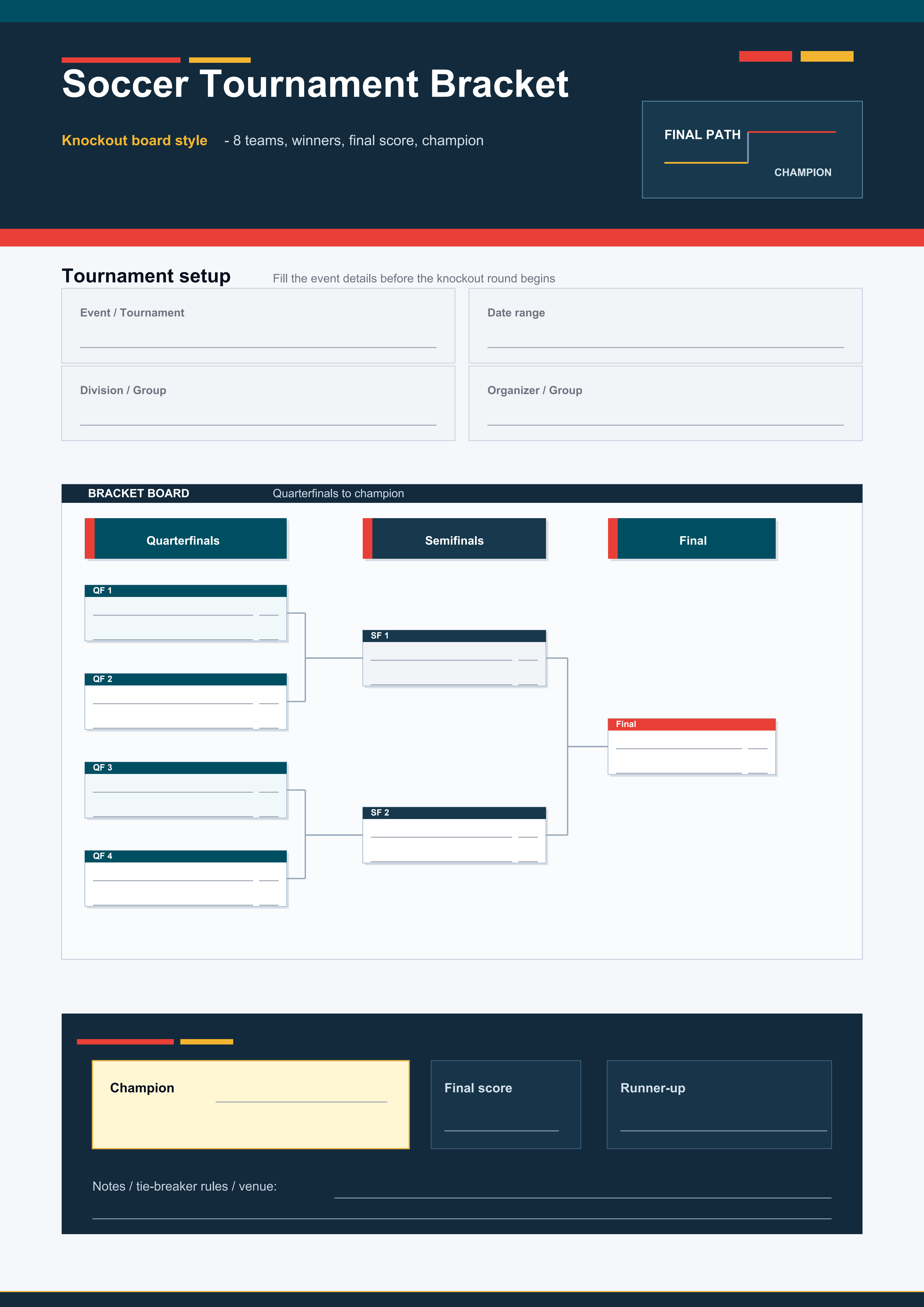
Users may vote for the team they think will win the Final. After the Final Stage ends, 5 eligible winners will be randomly selected from users who voted for the actual champion team.
After the Final Stage voting activity ends, 5 eligible winners will be randomly selected from users who voted for the actual champion team. Each selected winner will receive one annual product license of their choice.
The Final Stage winner list will be displayed on the event page from July 20, 2026, 07:00 UTC to July 25, 2026, 23:59 UTC. Wondershare will contact the winners by email within 3 working days after the winner list is announced.
Prizes
The event includes the following prizes:
Group Stage Prize: After the Group Stage activity ends, 10 eligible winners will each receive one quarterly product license of their choice, subject to the Group Stage activity rules.
Final Stage Prize: After the Final Stage voting activity ends, 5 eligible users who voted for the actual champion team will each receive one annual product license of their choice.
Eligible products include:
• Filmora
• Recoverit
• Dr.Fone
• PDFelement
• UniConverter
• EdrawMax
• EdrawMind
Wondershare may verify each winner’s eligibility, participation record, voting record, WSID account information, and compliance with these Terms and Conditions before confirming any prize.
Each user may win no more than one prize during the entire event, unless otherwise stated by Wondershare.
License Redemption and Transfer Rules
Each prize license must be redeemed and used with the same WSID account or email address used to participate in the event.
Prize licenses are non-transferable, non-exchangeable, and cannot be resold, gifted, assigned to another person, redeemed through another account, or exchanged for cash or other compensation.
If a winner is unable to redeem the license using the same participating account, or if Wondershare finds that the prize has been transferred, resold, claimed by another account, or obtained through improper means, Wondershare reserves the right to cancel the prize.
Participation Rules
No purchase is necessary to participate or win. Making a purchase will not increase your chances of winning.
Each user must participate using a valid WSID account. The use of bots, fake accounts, duplicate accounts, automated tools, scripts, fraudulent methods, or any attempt to manipulate the participation process, voting system, scoring system, winner selection, or ranking is strictly prohibited.
Wondershare reserves the right to disqualify any participation that is deemed fraudulent, duplicated, incomplete, invalid, manipulated, abusive, or in violation of these Terms and Conditions.
To participate, you must have reached the age of majority in your country or region of residence. If you have not reached the age of majority in your jurisdiction, permission from your parent or legal guardian is required to participate in this event.
Eligibility
This event is open to eligible users worldwide who meet the applicable age requirements in their country or region of residence and participate in accordance with these Terms and Conditions.
Wondershare reserves the right to verify the eligibility of any participant before awarding any prize.
Employees, contractors, representatives, agencies, and immediate family members of Wondershare may be excluded from winning, where required by applicable law or internal policy.
Winner Notification
Winners will be notified by email using the email address associated with their WSID account or the email address provided during participation.
If a winner does not respond within 3 working days after the initial contact, or fails to provide the required information to confirm the prize, Wondershare reserves the right to cancel the prize and select another eligible participant according to the applicable activity rules.
Wondershare is not responsible for unsuccessful notifications caused by incorrect email addresses, blocked emails, spam filters, account issues, inactive accounts, or any other reason outside Wondershare’s control.
Privacy Policy
Personal data collected during the event will be used only for purposes related to event administration, participation verification, vote processing, score calculation where applicable, winner selection, winner notification, and prize delivery.
Wondershare will process personal data in accordance with its Privacy Policy: https://www.wondershare.com/privacy.html
Participants’ personal data will not be sold. The use of bots, scripts, automated tools, or other unauthorized methods to participate in the event is prohibited.
General Terms
By participating in this event, participants agree to these Terms and Conditions and the decisions of Wondershare, which shall be final in all matters related to the event.
Wondershare reserves the right to modify, suspend, or cancel the event, in whole or in part, at any time and without prior notice if technical, legal, operational, compliance-related, or force majeure reasons prevent the event from running as planned.
Wondershare is not responsible for technical errors, network failures, service interruptions, transmission errors, data loss, delays, unauthorized access, login issues, incorrect information provided by participants, or any other issue that may affect participation, voting, scoring, ranking, winner selection, or prize delivery.
Wondershare reserves the right, at its sole discretion, to disqualify any participant suspected of:
a) manipulating or attempting to manipulate the participation process, voting system, scoring system, ranking, or winner selection;
b) using fake, duplicate, automated, or unauthorized accounts;
c) violating these Terms and Conditions;
d) violating Wondershare’s Terms of Use or general policies;
e) acting fraudulently, abusively, disruptively, or against the spirit of the event.
This event is organized by Wondershare and is not sponsored, endorsed, administered by, or officially associated with any football organization, federation, team, player, or official tournament entity.
These rules and regulations are subject to the laws of China. Any dispute arising from or related to the event shall be submitted to arbitration by the Shenzhen Court of International Arbitration, which shall decide in accordance with its applicable rules.











 PDFelement for Windows