Free, Easy & Fast PNG Compressor to 2MB
Need to compress PNG to 2MB for uploading or sharing? This free online tool makes it simple to shrink your file size while maintaining clarity—no installation, no login, no special skills required.
 100% Free Online Tool
Keeps Clarity at 2MB
Exact File Size Control
100% Free Online Tool
Keeps Clarity at 2MB
Exact File Size Control
 Why compress PNG to 2MB?
Many systems, websites, and online forms restrict image sizes to 2MB. Keeping PNGs under this limit ensures fast loading, smooth submissions, and compliance with upload requirements.
This tool can be used to:
- Submit PNGs to portals with a 2MB limit
- Upload profile or ID images without errors
- Improve blog and site speed
- Share lighter images across devices
 Free Download
Compress Image Online Free vs. Offline
How to compress PNG to 2MB?
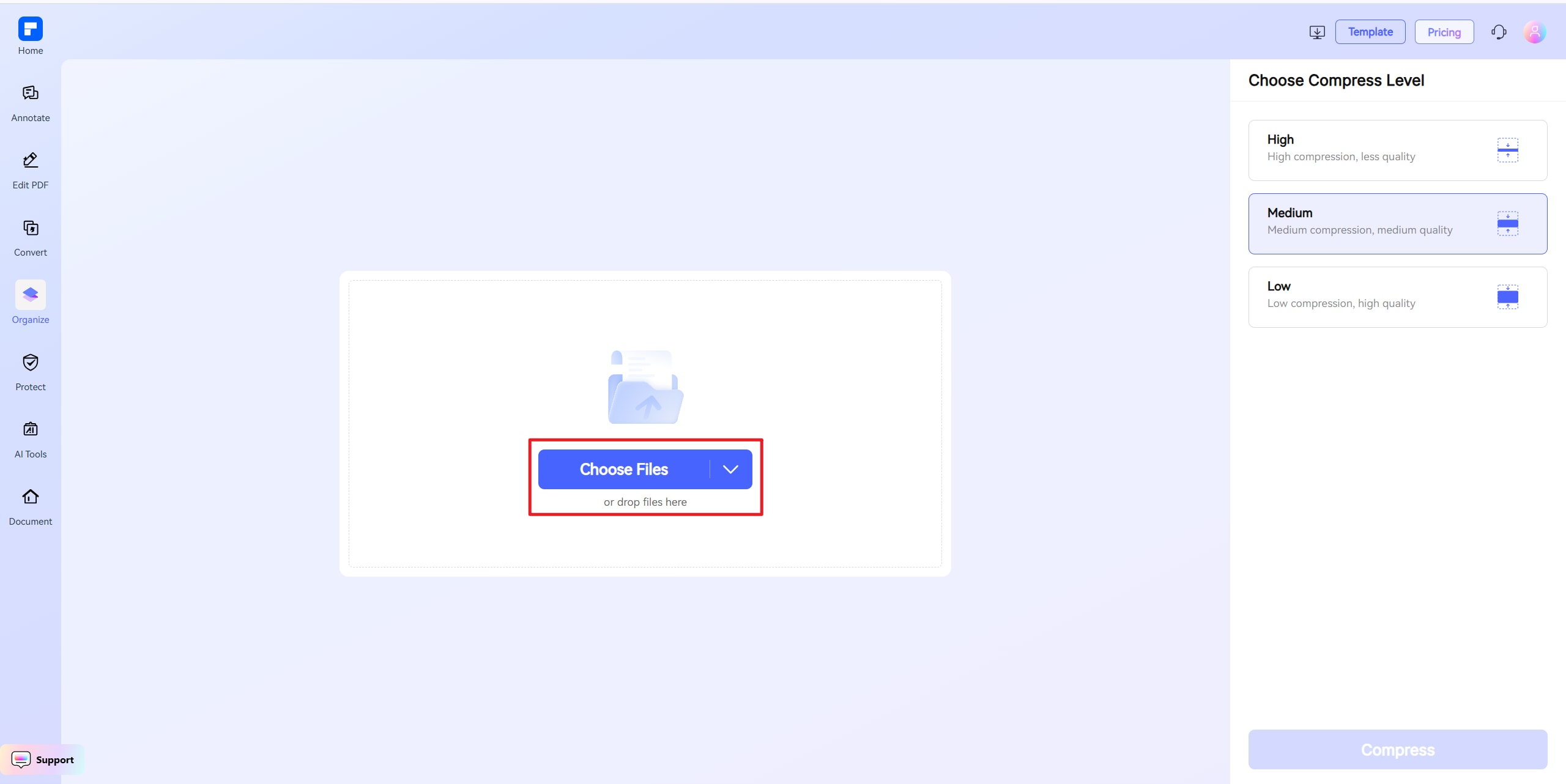
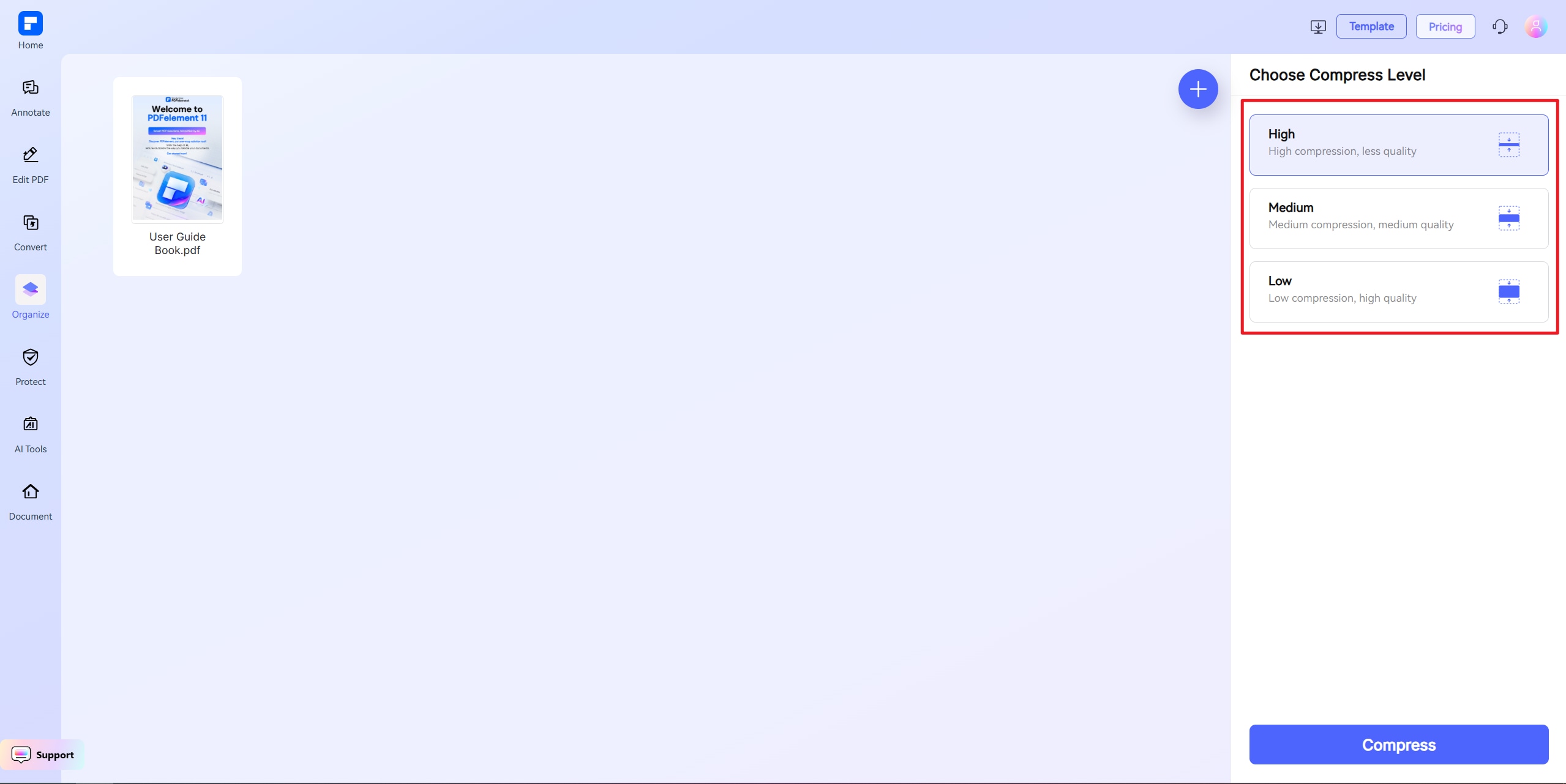
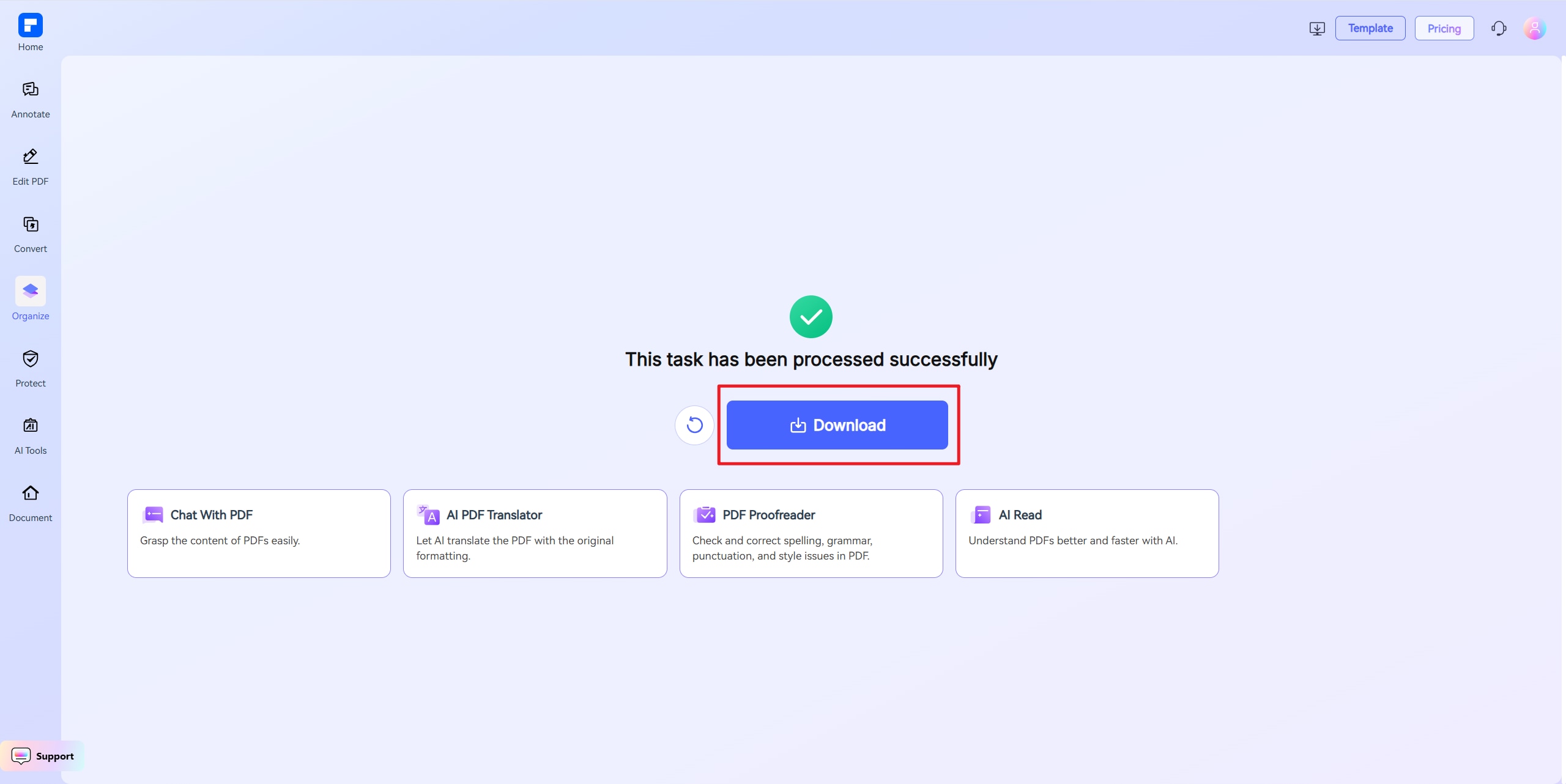
Discover the difference with PDFelement PNG Compressor.
Completely Free
No fees, no watermarks, no app install—use directly online.
Quality Preserved
Your PNG stays sharp even at 2MB.
Accurate File Size Control
Set 2MB as the exact size you need.
Meets Upload Standards
Many platforms accept PNGs under 2MB for forms and applications.
Fast & Effortless
Just upload, click, and download.
Cross-Device Access
Works on Windows, Mac, iOS, and Android through your browser.
Your go-to online Image resizer.

Secure, Compliant, and Professional PDF Software - Award - Winning.
PDFelement shines in G2 Winter 2026 as a Leader, Momentum Leader, and High Performer for Enterprise - adding to its 2024 G2 Best Software Award - Top 50 Office Products, ISO 27001 - Information Security Management certification, and PDF Association membership.







FAQs about Online Image Resizer.
-
How do I compress a PNG to 2MB without losing quality?
Use an online PNG compressor with custom size options.
Steps:
- Upload your PNG
- Enter 2MB as the target size
- Download the resized file
-
Can large PNGs be reduced to 2MB?
Yes. High-resolution PNGs can be downsized by adjusting resolution, cropping, or reducing color depth.
Tips:
- Trim unused background
- Lower dimensions
- Save in optimized PNG format
-
Is 2MB a good size for PNG files?
Yes. PNGs under 2MB are widely accepted for:
- Online forms and portals
- Job or ID submissions
- Profile and avatar images
- Blog and website graphics
-
What tool works best to compress PNG to 2MB?
PDFelement online image compressor is optimized for 200KB file targeting—free to use, no watermark, and compatible with all platforms.
Our PNG compressor is:
- Free and browser-based
- No watermarks
- Allows precise 2MB targets
- Works on any device
-
What if my PNG won't compress to 2MB?
If your PNG is too detailed, simplify it first.
Suggestions:
- Slightly reduce resolution
- Lower the color depth
- Crop unnecessary parts
- Re-upload and compress again
-
Are there any limitations when I am using this tool to compress images?
Just a quick heads-up when using PDFelement Free Online Image Compressor: the file you upload should be under 100MB. If you're using "Custom Size" mode, the file must be under 10MB. For larger files, choose High, Medium, or Low compression instead. That's it! Feel free to compress as many PDFs as you'd like — all for free. No sign-up needed, and there are no limits to how many you can process.
Rate PDFelement Online PDF tools:

4.8
(188,357 Votes)You have to upload and download at least 1 file to rate! We've already perfectly processed 307,292,373 files with a total size of 10,124 TB
Try more PDFelement online PDF tools.



Simplified by AI.
Fast, easy, and affordable PDF editor. Convert, edit, sign PDFs, and more.


