Free, Fast & Easy JPG Compressor to 20KB
Need to compress a JPG to 20KB for upload limits or strict form requirements? Our free online JPG compressor helps you reduce file size quickly while keeping key image clarity—no editing skills needed.
Get perfect-sized images for uploads, sharing, and storage in just seconds.
 100% Free, Web-Based
Maintains Basic Image Clarity
Exact 20KB Output Targeting
100% Free, Web-Based
Maintains Basic Image Clarity
Exact 20KB Output Targeting
 Why compress JPG to 20KB?
Some legacy platforms, mobile forms, or government systems set extremely low upload limits—often as small as 20KB. This size is ideal for signatures, cropped ID cards, or icon-style JPGs.
Use this tool to:
- Submit compressed ID or signature files
- Attach visuals on forms with ultra-low caps
- Prepare JPGs for slow internet uploads
- Optimize images for lightweight documents

Compress JPG Online Free vs. Offline
How to compress JPG to 20KB?
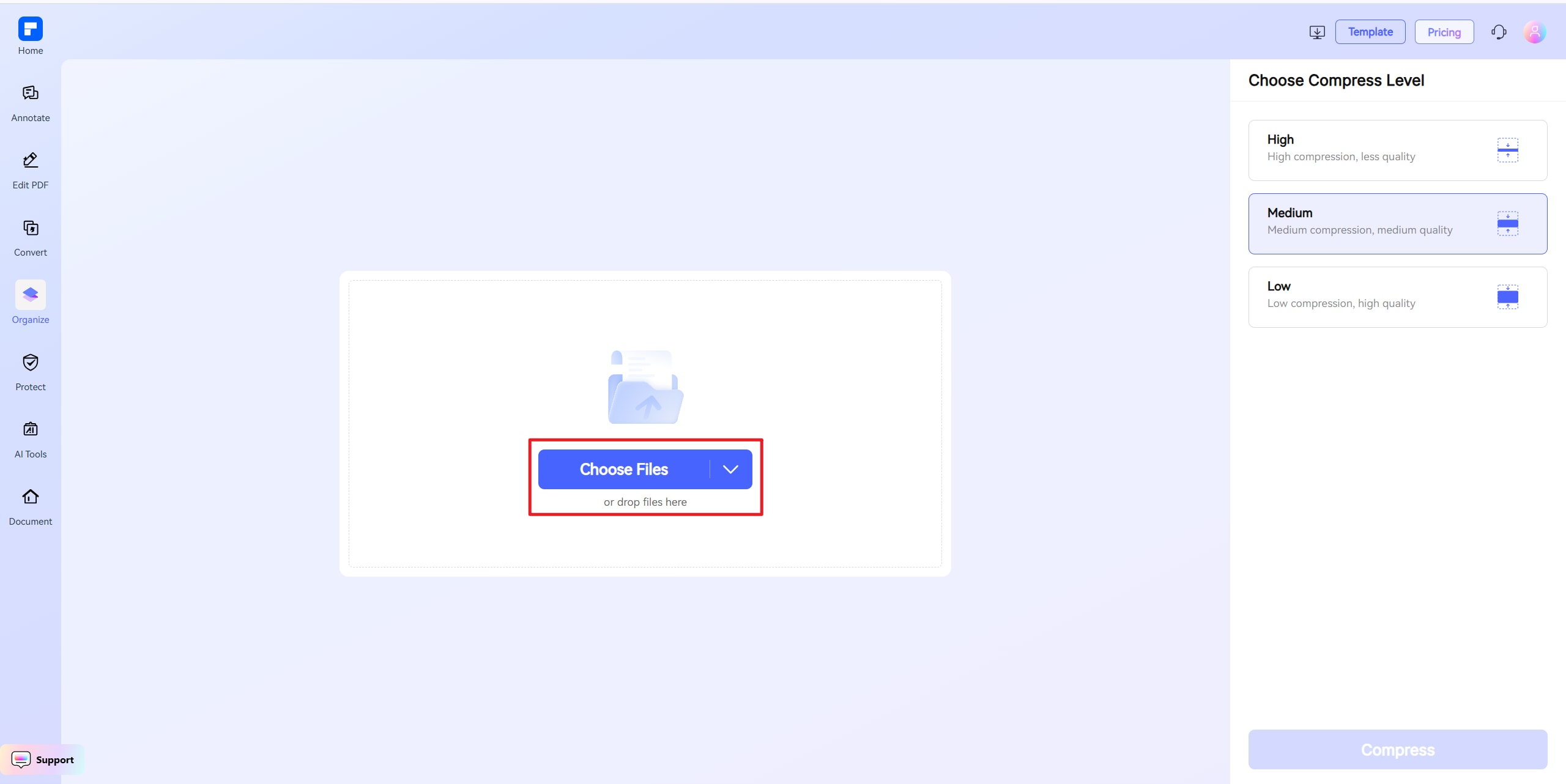
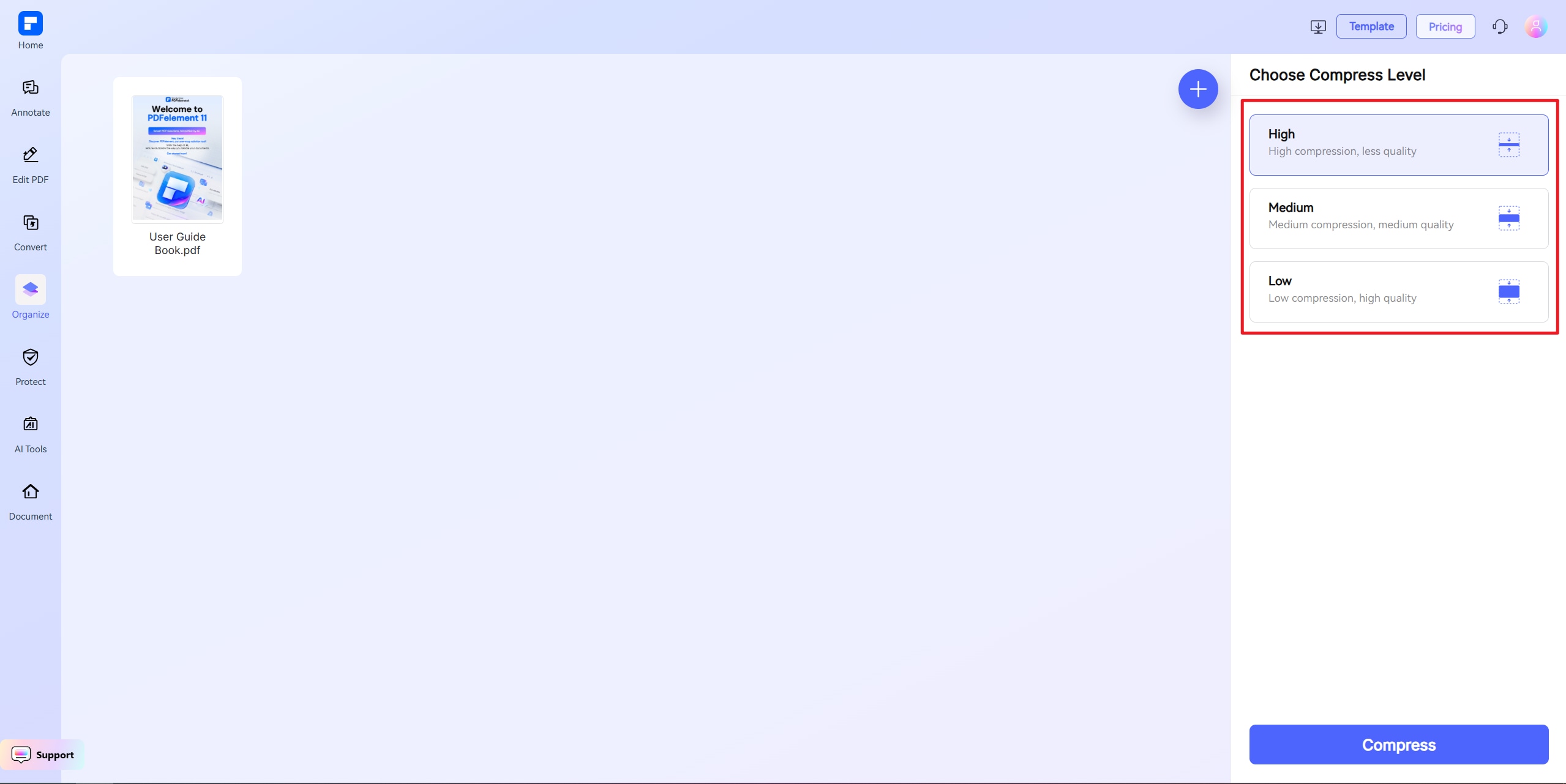
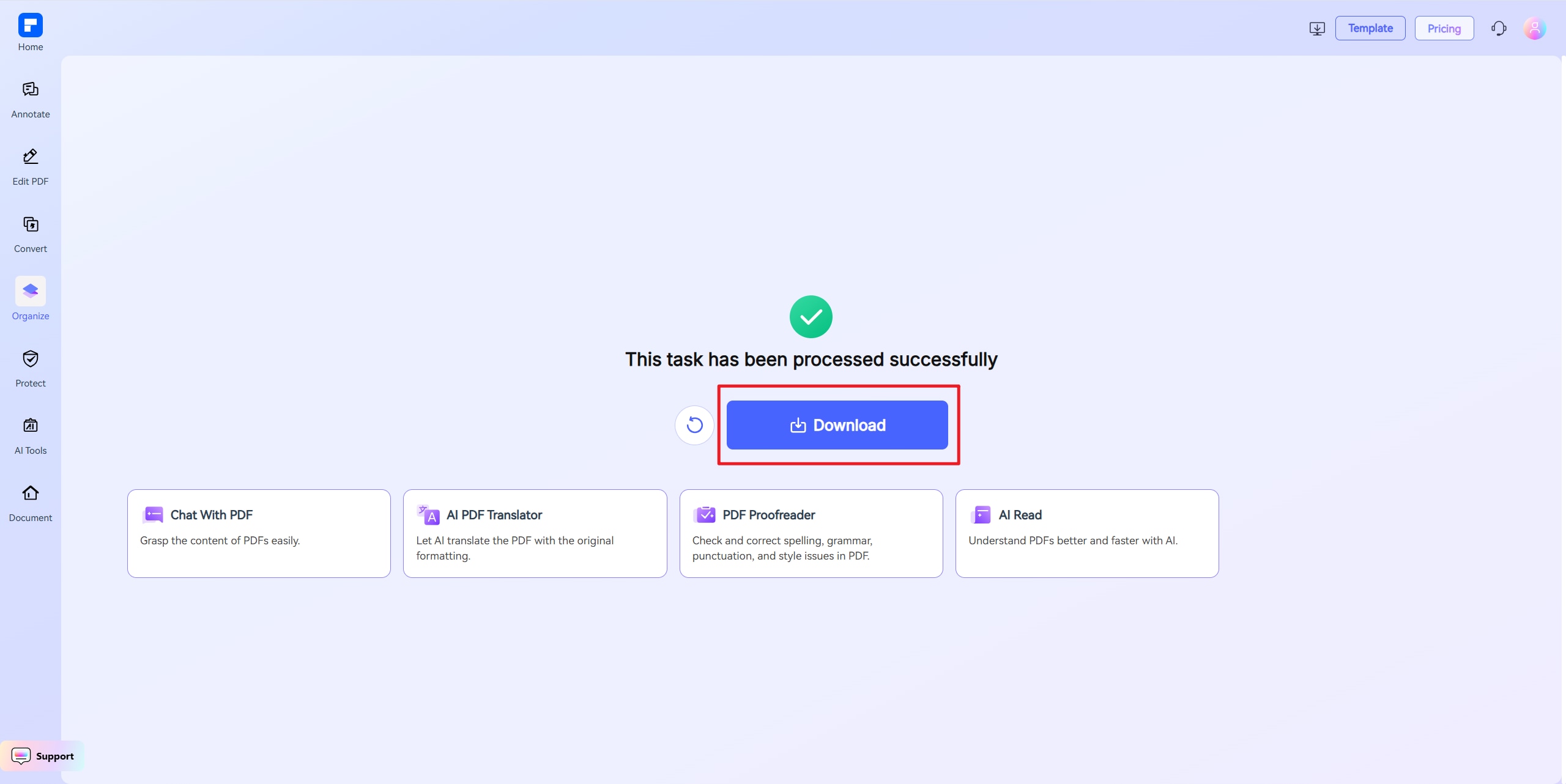
Discover the difference with PDFelement JPG Compressor.
100% Online, No Downloads
Use it from any browser—mobile or desktop—with no installation or login.
Good Results at Minimal Size
Even at 20KB, your JPG remains sharp enough for forms and identification fields.
Exact File Size Control
Set 20KB exactly—perfect for portals with strict upload restrictions.
Avoid File Rejections
Many legacy upload systems fail on large files. 20KB helps you meet requirements the first time.
Simple and Fast
Upload, select your file size, and compress—no cropping or image editing tools needed.
Cross-Device Compatible
Runs on Windows, Mac, Android, and iOS without any app.
Your go-to Online Image Resizer.

Secure, Compliant, and Professional PDF Software - Award - Winning.
PDFelement shines in G2 Winter 2026 as a Leader, Momentum Leader, and High Performer for Enterprise - adding to its 2024 G2 Best Software Award - Top 50 Office Products, ISO 27001 - Information Security Management certification, and PDF Association membership.







FAQs about Online Image Resizer.
-
How do I compress a JPG to 20KB without ruining it?
Use a JPG compressor with precision targeting. Ours reduces file size while preserving readability and form compatibility.
Steps:
- Upload your JPG file
- Set the output size to 20KB
- Click to compress and download
Best for simple scans and small visuals.
-
Can high-resolution JPGs be reduced to 20KB?
Rarely. High-res JPGs usually contain too much data. You'll need to simplify or reduce the image first.
Tips:
- Crop the image before uploading
- Save in grayscale or low DPI
- Avoid background gradients or textures
-
Is 20KB enough for uploading JPGs?
Only for very lightweight use cases like:
- E-signatures
- ID crops
- Mobile submission forms
- Icon images
For detailed photos, try 50KB or 100KB instead.
-
What's the best free tool to compress JPG to 20KB?
Our online compressor:
- Targets exact sizes like 20KB
- Preserves layout and file format
- Requires no login or download
- Works on all major devices
Great for quick, everyday use.
-
What if my JPG can't be compressed to 20KB?
If it's still too large after compression, simplify it further.
Try this:
- Resize or crop before uploading
- Save as JPG if currently PNG
- Use low resolution
- Re-compress at 20KB
-
Are there any limitations when I am using this tool to compress images?
Just a quick heads-up when using PDFelement Free Online Compressor: the file you upload should be under 100MB. If you're using "Custom Size" mode, the file must be under 10MB. For larger files, choose High, Medium, or Low compression instead. That's it! Feel free to compress as many PDFs as you'd like — all for free. No sign-up needed, and there are no limits to how many you can process.
Rate PDFelement Online PDF tools:

4.8
(188,357 Votes)You have to upload and download at least 1 file to rate! We've already perfectly processed 307,292,373 files with a total size of 10,124 TB
Try more PDFelement online PDF tools.



Simplified by AI.
Fast, easy, and affordable PDF editor. Convert, edit, sign PDFs, and more.


