AI Study Space for Documents
Build an AI space for documents from PDFs, slides, docs, images, text, and YouTube subtitles. Ask across multiple PDFs and files, verify answers with source citations, and create source-backed answers, flashcards, quizzes, podcasts, mind maps, and reports in one Space.
 Loved by 10,000+ customers
 Collect mixed sources
in one Space
Ask and verify with citations
Create flashcards, quizzes, podcasts, mind maps, and reports
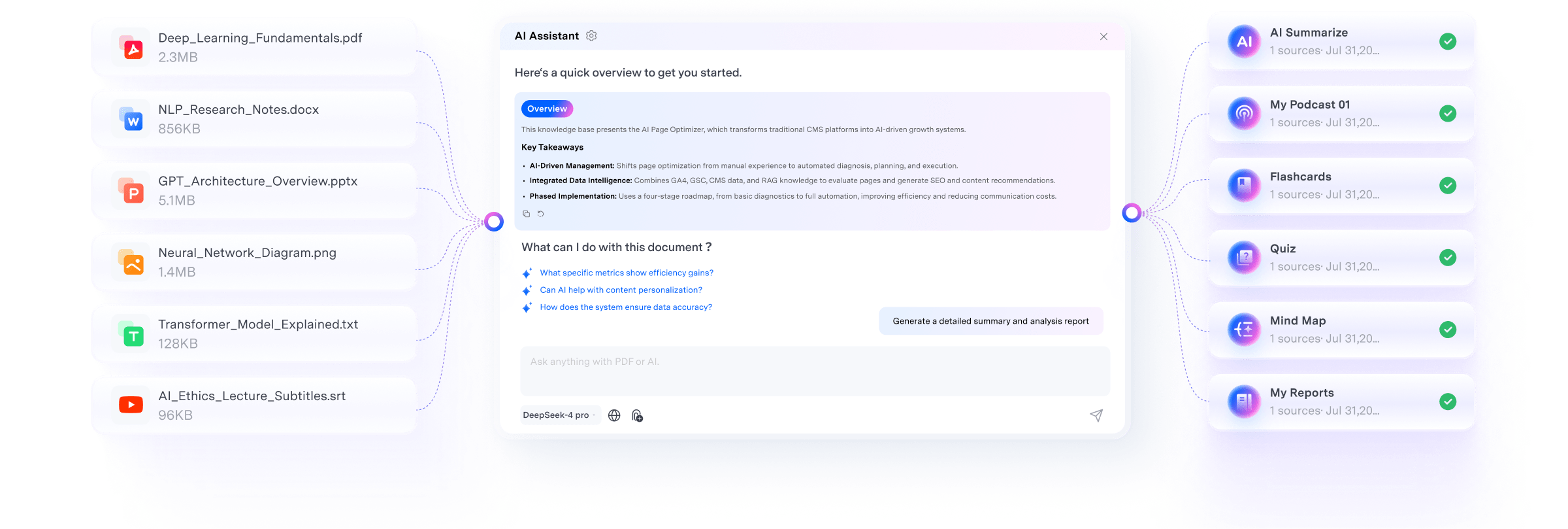
Everything your AI Space can do with your documents.
From multi-document Q&A to source checking and reusable study outputs, PDFelement turns scattered files into a structured AI workspace. Ask across multiple PDFs and documents, review source citations, and turn the same files into flashcards, quizzes, podcasts, mind maps, and reports.
6 document tasks you can do in one AI Space.
 Chat with Multiple PDFs and Docs
Ask across multiple files at the same time.
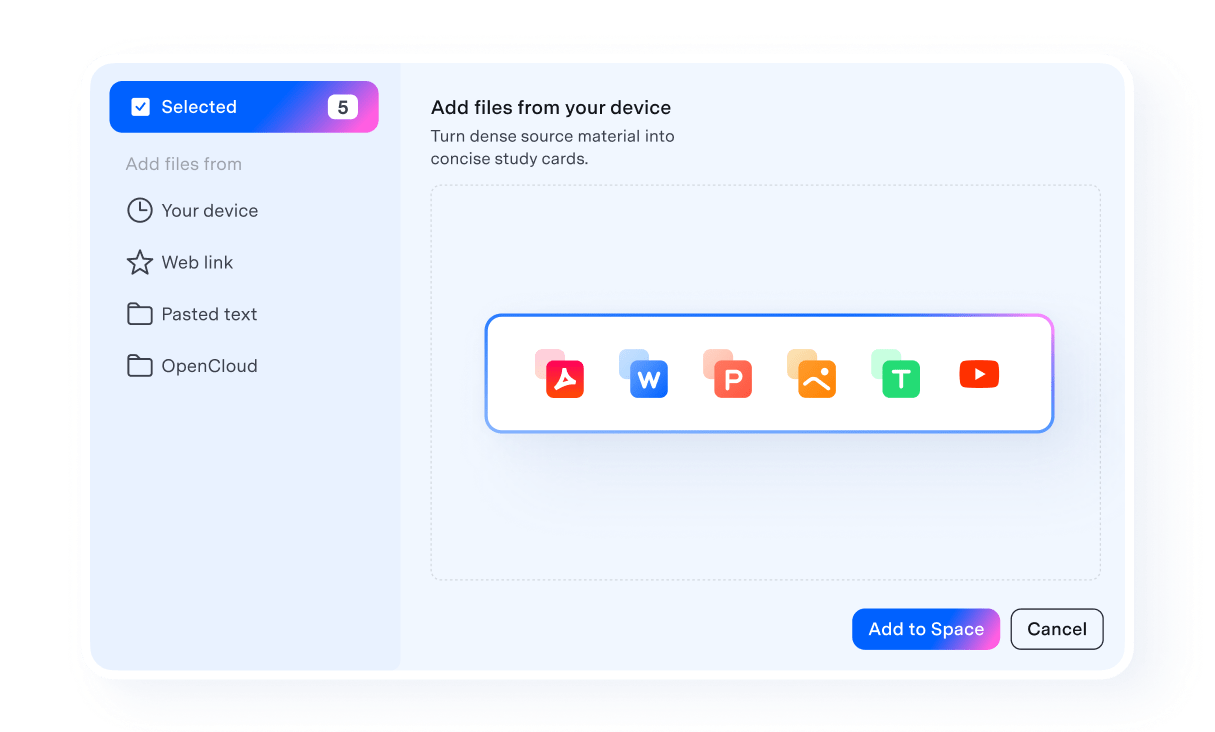
Bring PDFs, PowerPoint slides, Word documents, images, text, and YouTube subtitles into one AI Space and ask questions across all of them.
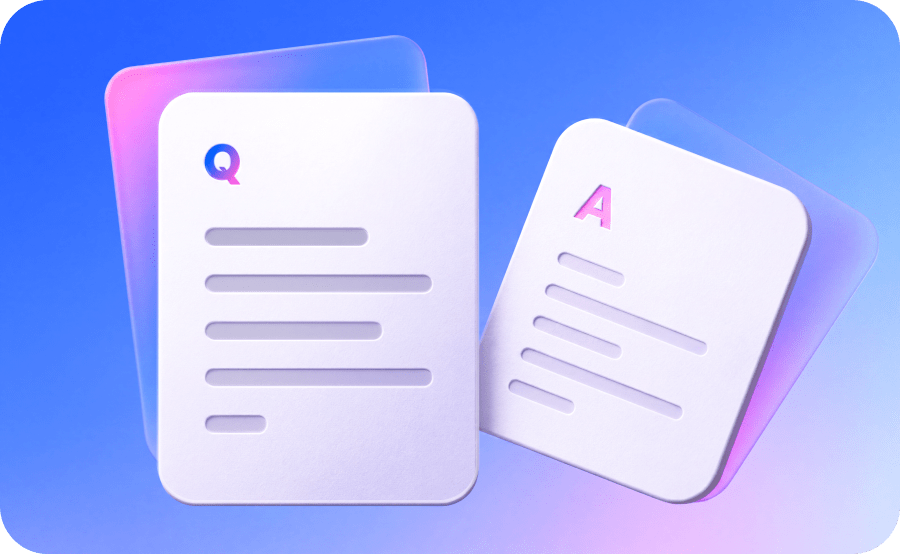
 PDF to Flashcards
Turn key ideas into faster review.
Convert important concepts from your documents into flashcards so you can review and recall them more efficiently.
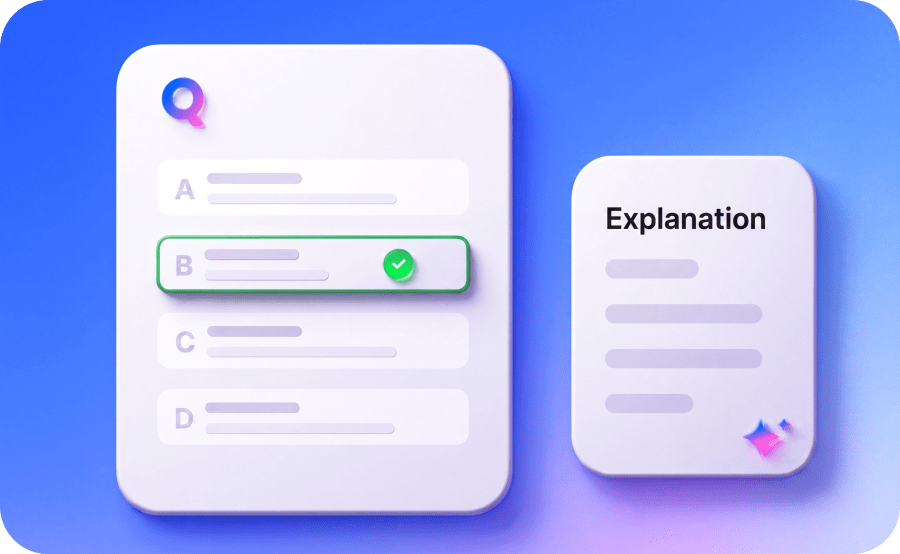
 AI Quiz Generator
Test your understanding of source materials.
Generate quizzes from your documents to assess comprehension, reinforce key concepts, and identify areas that need more review.
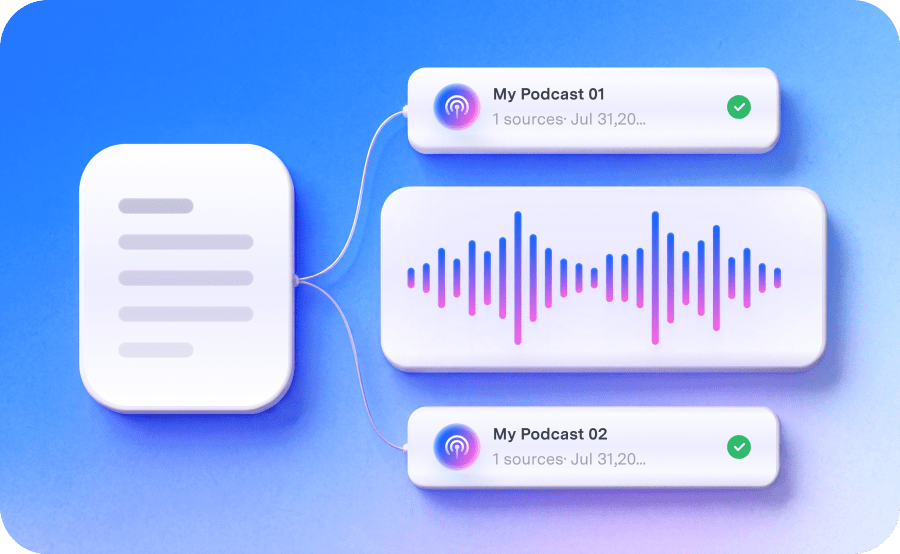
 PDF to Podcast
Make dense content easier to review.
Turn document summaries into podcast-style audio, making it easier to revisit key information anytime, anywhere.
 PDF to Mind Map
See how complex topics connect.
Turn document content into a visual mind map to clearly understand relationships, hierarchies, and key topic structures.
 AI Report Generator
Turn source materials
into structured reports.
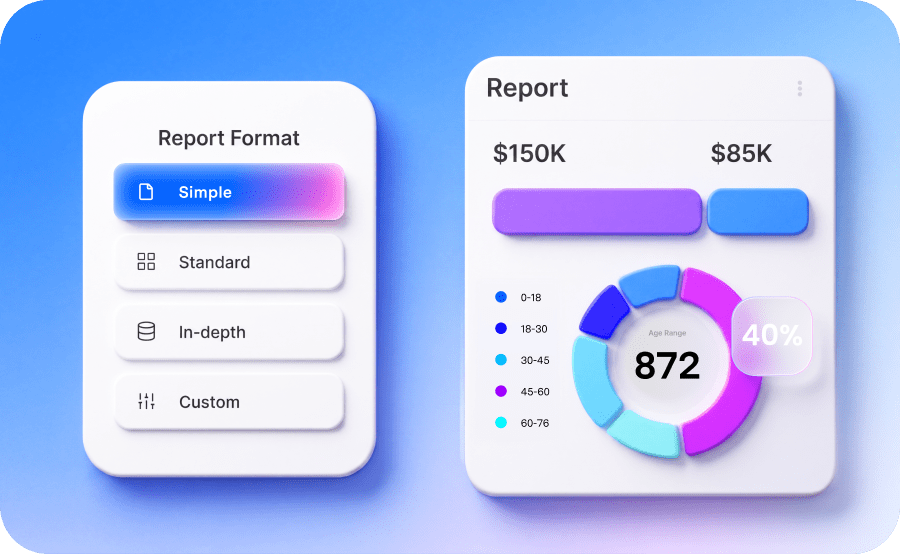
Transform the same set of source files into a well-organized report, making it easier to move from reading and research to writing.
Core AI actions behind every task.
Ask Across Files
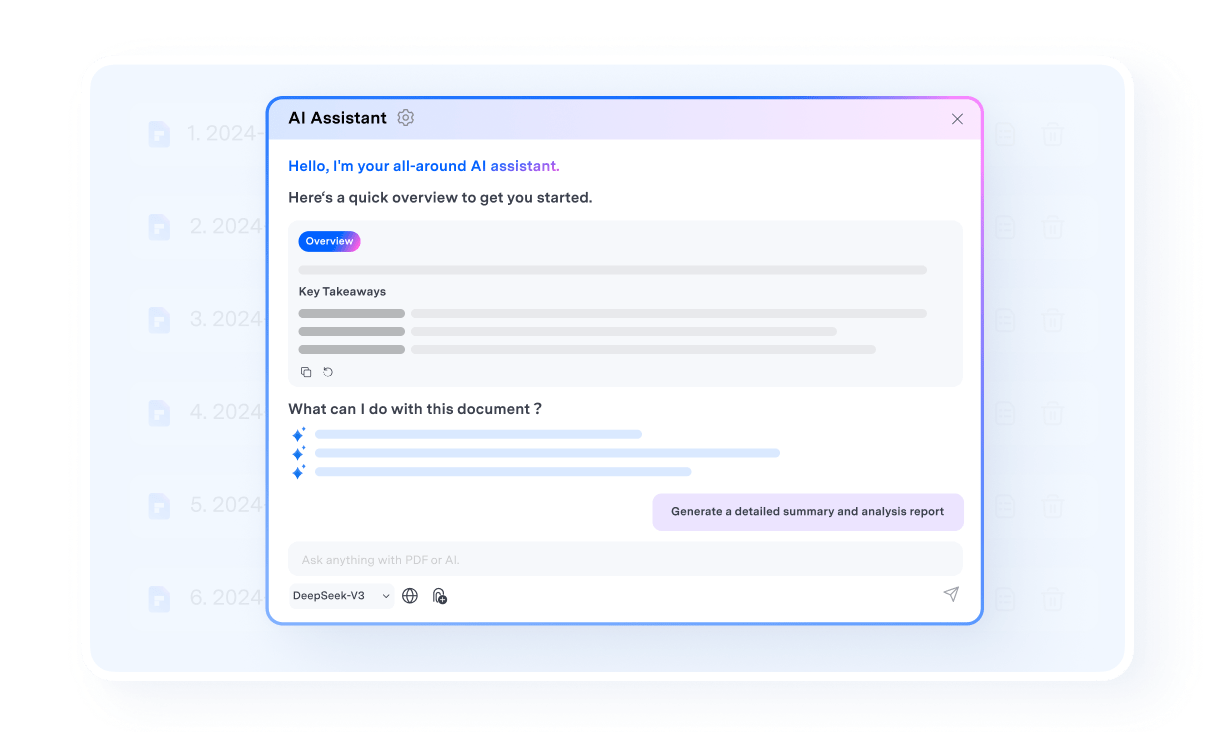
Ask questions across multiple PDFs and
related documents in one AI Space.
Source Citations
Review cited pages and supporting
evidence before you reuse an answer.
AI Overview
Get a clear overview of
your document set before exploring the details.
Start with the right sources before you start asking.
Keep related course, project, or research materials in the same AI Space so questions, citations, and generated outputs stay grounded in one clear context.
Primary Documents
Start with the files that carry the main facts.
Add PDFs, Word files, slides, or text documents that contain the core course material, research evidence, or project information you need to work with.
 Supporting Sources
Add context without mixing unrelated topics.
Bring in related notes, images, supplementary readings, and references when they support the same question, assignment, or research topic.
 Learning Media
Keep useful media in the same learning context.
Use supported source material such as YouTube subtitles when it belongs to the same course, study topic, or research workflow as your documents.
Keep one semester, one research project, or one workstream together so AI answers and generated outputs stay tied to the right sources.
How to create your AI Space for documents?
Collect documents, ask questions, verify sources, and create outputs in one workflow.
Add PDFs, slides, documents, images, text, and YouTube subtitles to one document Space.
Ask natural-language questions and check the cited page or highlighted source text.
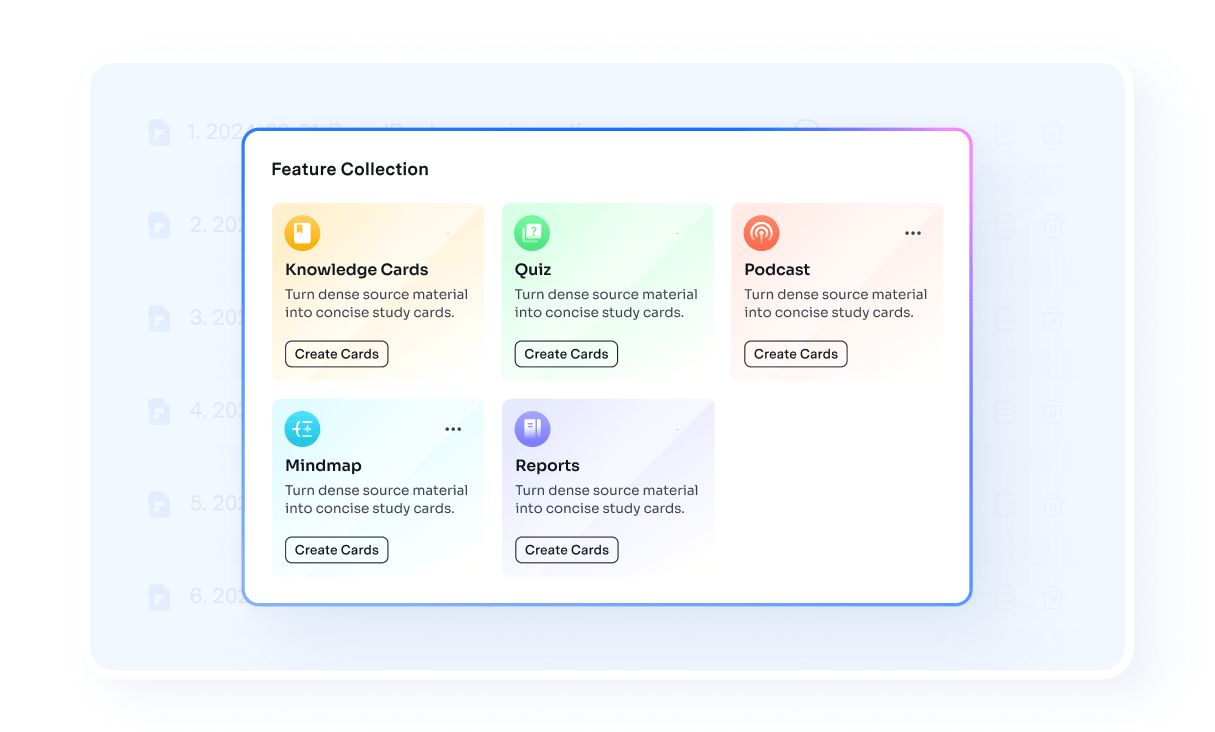
Generate flashcards, quizzes, podcasts, mind maps, and reports from your own documents.
Ask questions that are easy to verify and reuse.
Give AI Space a clear task—compare sources, find evidence, or turn verified findings into an output—so every answer is easier to trace back and reuse.
Compare Sources
See where multiple documents agree or conflict.
Ask AI Space to compare conclusions, methods, or claims across related files and keep the answer tied to the source set.
Try: “Compare the conclusions in these papers and cite the source for each point.”
Find Supporting Evidence
Ask for evidence you can trace back to the source.
Use source-backed questions when a claim needs supporting pages, definitions, or examples from the material you uploaded.
Try: “What evidence supports this claim? Cite the relevant page for each point.”
Turn Findings Into Output
Move from verified answers to something you can use.
Once the evidence is clear, ask AI Space to organize the findings into structured notes, a report, or study material based on the same sources.
Try: “Organize the findings into a report with evidence, limitations, and source references.”
Trust every answer with source citations.
AI answers are more useful when they're easy to verify. PDFelement links responses directly to the relevant pages in the original document, so users can check the source before studying, citing, or sharing.
- View source references alongside AI-generated answers.
- Jump directly to the relevant page from each citation.
- Review highlighted evidence to reduce unsupported claims.
- Continue reading, editing, annotating, running OCR, or converting PDFs—all in the same workflow.
Working through a lot of practice problems—done actively and spaced out over time—is presented as the most effective way to learn math and prepare for exams.
- Do lots of practice problems: Build understanding through active problem solving.
- Space your practice over time: Regular review improves retention and mastery.
- Use worked examples strategically: Understand both the concepts and solution process.
- Self-test with examples (cover solutions first): Check the solution only after trying it yourself.
Keep scanned and image-based material in the same document workflow.
Not every useful source starts as selectable text. PDFelement can keep OCR, document review, and AI-assisted work in the same broader PDF workflow, so scanned or image-heavy material does not have to sit outside your research process.
Use OCR in PDFelement when a scanned PDF or image-based document needs searchable, selectable text for closer review.
Keep the scan or extracted content with the other sources that belong to the same course, project, or research question.
Use AI Space to ask questions across the related sources instead of treating the scanned file as a separate task.
Check the cited source material before turning an answer into notes, flashcards, a quiz, or a report.
Built for high-stakes reading, studying, and research.
PDFelement AI Space is most valuable for users managing large volumes of documents under tight deadlines who need to verify sources before studying, citing, or submitting their work.

Turn an entire course into one study Space.
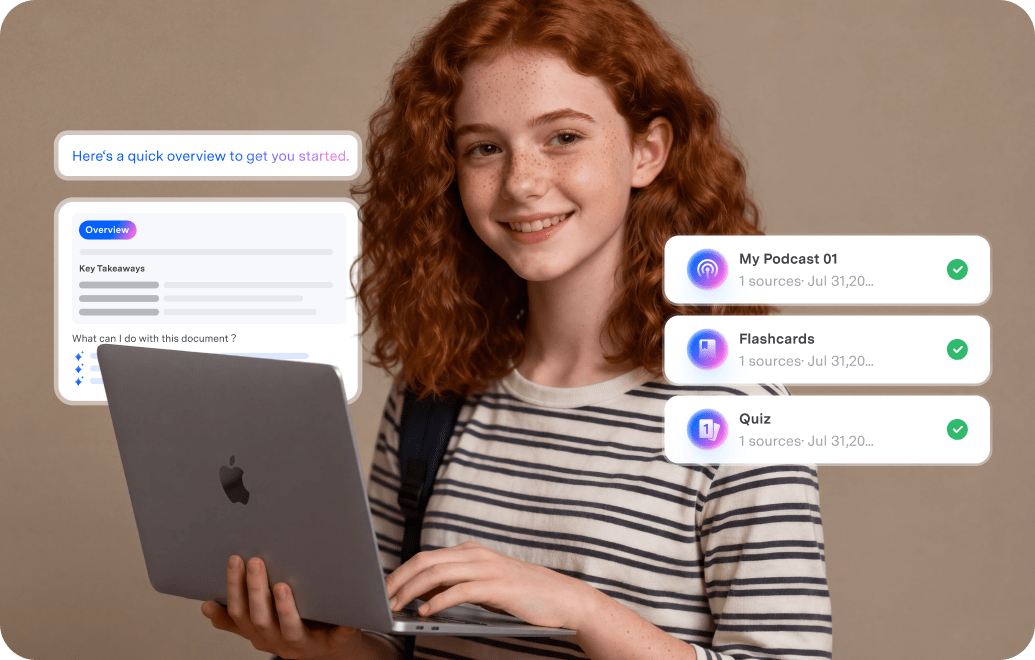
Upload textbooks, lecture PDFs, slides, and notes in one place. Ask questions about what matters most for the exam, then turn key answers into flashcards and quizzes.
- Find key concepts faster.
- Review with flashcards.
- Test weak points with quizzes.
Ask questions across papers and verify every claim.
Bring multiple papers into one AI Space, compare findings, and jump directly to cited pages to verify sources before drafting research notes or a literature review.
- Compare methods and conclusions.
- Trace answers to source pages.
- Draft structured notes and reports.
Turn piles of reports into cited briefs.
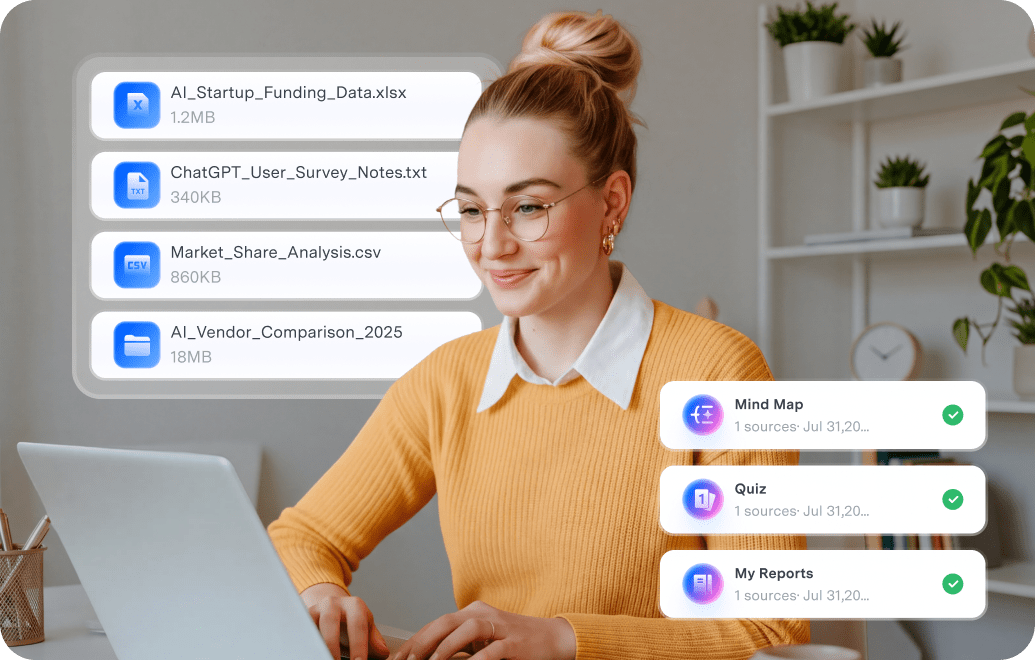
Upload reports, filings, white papers, and market documents. Extract trends, compare claims, and build briefing-ready outputs with traceable sources.
- Summarize key points faster.
- Compare findings across files.
- Keep evidence linked to the source.


Great for turning course materials into a study space.
I used PDFelement Space with lecture slides, reading PDFs, and class notes in one place. Being able to ask questions across files, then turn the same material into Knowledge Cards and quizzes, made exam review much faster.
Helpful for reviewing multiple papers with citations.
What I like most is that I can ask across several papers without checking them one by one. The source citations make it easier to go back to the original page, verify claims, and organize research notes with more confidence.
Useful for turning dense reports into usable outputs.
I uploaded reports, briefs, and reference documents into one AI Space and used it to compare findings much faster. It is especially useful when I need source-backed answers first, then a cleaner report or summary based on the same files.
An AI answer is not the end of the PDF workflow.
Once you have found and verified the information you need, continue working with the original PDF in PDFelement instead of exporting the task to a separate tool.
Edit
Update the source PDF after AI-assisted reading or research reveals what needs to change.
Annotate
Highlight evidence, add comments, and mark the passages you want to keep for later review.
OCR
Make scanned pages searchable and selectable when image-based source material needs closer inspection.
Convert
Move verified content into the file format you need for writing, sharing, or the next stage of work.
Comparison of Various AI Study Tools
Choose an AI study tool based on your workflow.
PDFelement combines AI Q&A with document editing, OCR, annotation, and conversion in one place.
| Tools | PDFelement AI Space |
Gemini Notebook / NotebookLM |
Acrobat AI Assistant |
Web PDF Chat Tools |
|---|---|---|---|---|
| Supported source formats | PDF, Word, Excel, PowerPoint, TXT, images, YouTube URLs | PDF, web URLs, YouTube, audio, Google Docs/Slides/Sheets, Word, TXT/MD/CSV, images, ePub | PDFs, links, text, Office files | PDF, Word, PowerPoint, Markdown, TXT |
| Multi-document Q&A | Yes | Yes | Yes | Varies by tool |
| Citation | Yes | Yes | Yes | Yes |
| Output types | Flashcard, Quiz, Podcast, Mind Map, Report | Study guides, briefings, audio overviews, mind maps | Answers, summaries, presentations, podcast-style overviews | Answers, summaries, comparisons, translations |
| PDF workflow integration | Yes, with an all-in-one PDF editor |
Yes | Yes | Yes |
For Business and Education License Inquiry
Please contact our sales team if you want to purchase a business and education plan for more than 5 users.
FAQs About PDFelement AI Space
Answers to common questions about supported sources, multi-document Q&A, citations, study outputs, scanned files, and continuing the PDF workflow.
AI Space supports mixed source types including PDFs, Word documents, Excel files, PowerPoint presentations, text files, images, and YouTube URLs or subtitles. The page is designed around combining related source materials in one workspace instead of opening each file separately.
Yes. Multi-document Q&A is one of the core uses of AI Space. You can ask a question across related PDFs and other supported source files, compare findings, and use the cited sources to check where the answer came from.
AI Space connects answers to supporting source references so you can return to the relevant page or source material before reusing the information. This is especially useful for study notes, research comparisons, and reports where you need to verify the evidence behind an AI-generated answer.
You can turn the same document set into flashcards, quizzes, podcast-style audio, mind maps, and structured reports. That lets you reuse one source collection for review, self-testing, listening, visual organization, and writing instead of rebuilding the context for each task.
PDFelement includes OCR as part of its wider PDF workflow. When a scanned PDF or image-based document needs searchable, selectable text, you can use OCR and continue reviewing, annotating, or working with the document in PDFelement before or alongside your AI-assisted research workflow.
Yes. One advantage of using AI Space inside PDFelement is that the source documents remain part of a broader PDF workflow. After reviewing an AI answer, you can continue with PDF editing, annotation, OCR, and conversion when the document itself needs further work.
No. The page includes workflows for students, researchers, and analysts. AI Space is useful whenever you need to work across multiple source files, verify answers against the source, and turn the same material into reusable outputs.

Build Your First AI Space in PDFelement
Collect documents, ask questions, verify answers, and create study or research outputs without leaving your PDF workflow.


